About CutBench
CutBench is a Windows desktop app that takes a long gaming recording, finds the moments worth posting, and renders them as vertical clips with burned-in captions. It runs on your own machine: footage is read from your disk and written back to your disk, and nothing is uploaded to be processed.
This page is the short, checkable version of every fact about the product. If you are quoting CutBench somewhere, quote from here.
The facts
| What it is | A desktop application for Windows that ranks gameplay recordings into short vertical clips |
| Price | $24.99, paid once. No subscription, no per-minute charge. That is the US price; Steam sets regional prices |
| Free version | None. There is no demo and no trial |
| Where you buy it | Steam. The app ID is 4797490 |
| Name on Steam | CutBench: Local VOD Scrubber & Clip Maker. It was listed earlier as CutBench: AI Gameplay Clip Maker |
| Released | 10 August 2026 |
| Operating system | Windows 10 and Windows 11. No macOS, no Linux |
| Graphics | An NVIDIA GPU with 6 GB VRAM and CUDA. AMD, Intel Arc and integrated graphics are outside the supported spec: it runs on the processor, tens of times slower, and completes |
| Memory and disk | 8 GB RAM minimum, 16 GB recommended, and 30 GB of disk space |
| Speed | It is a batch tool, not a real-time one. Measured on one RTX 3080 over 15 runs: 0.6 to 1.1 times the recording length plus 5 to 10 minutes, so 1 h 53 min to 3 h 28 min for a 3-hour recording. Cards with 6 to 8 GB of VRAM have not been measured yet |
| Language | The interface is in English. Subtitles follow the language spoken in the recording and are never translated |
| Where the footage goes | Processing happens on your PC: the recording is not uploaded for processing. The app goes online only to download a video from a link you paste and to publish clips, if you use those features |
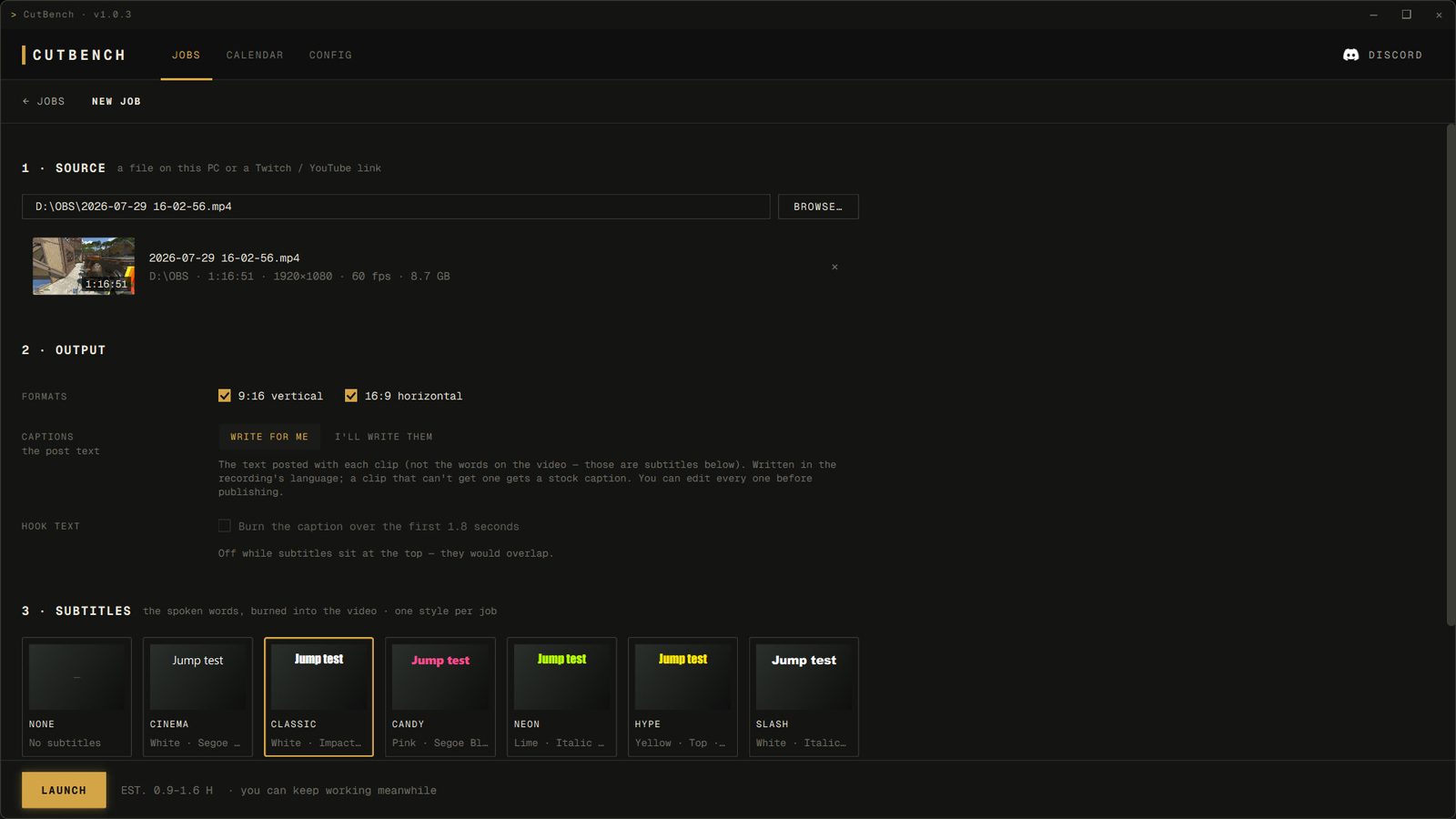
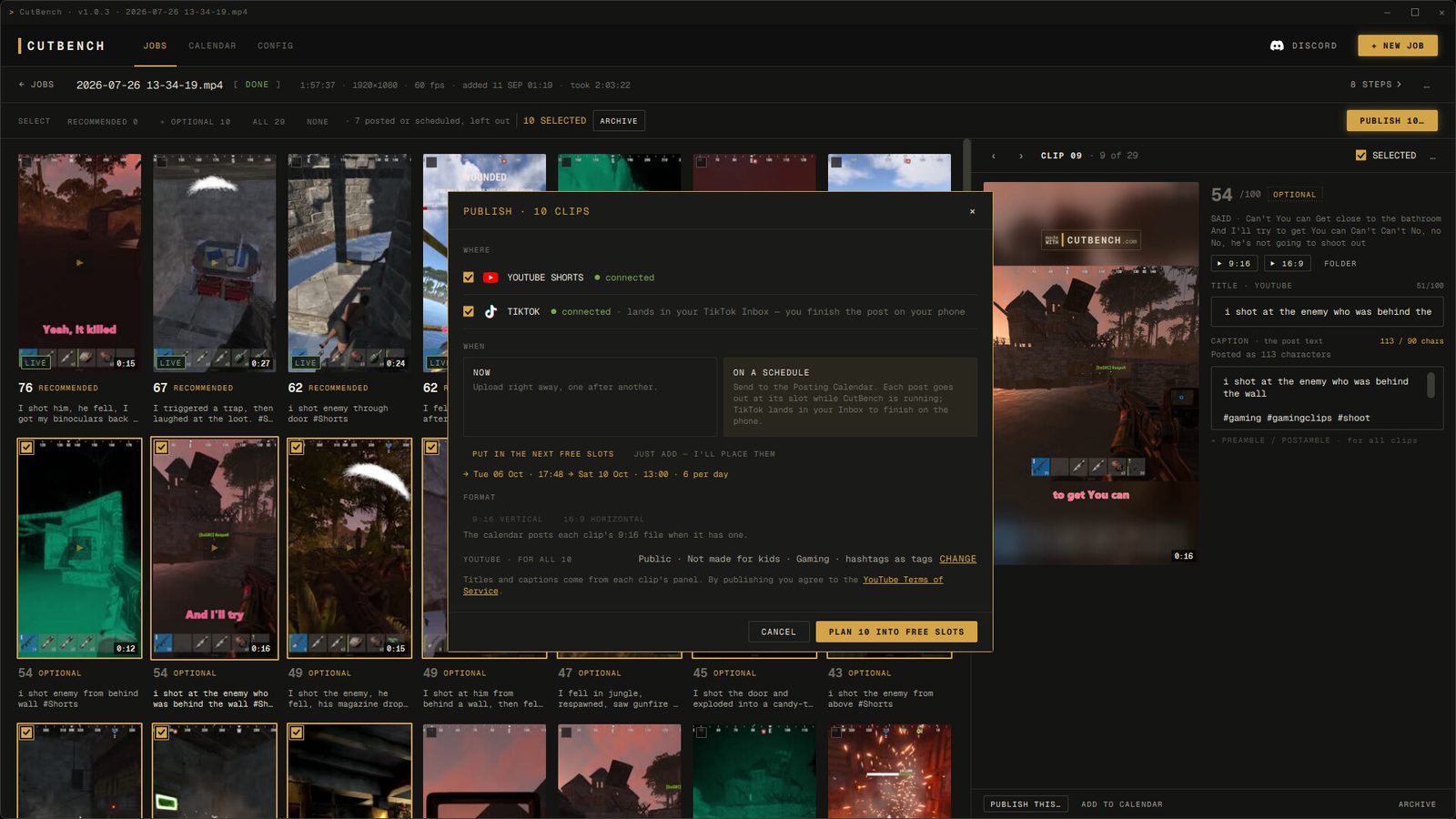
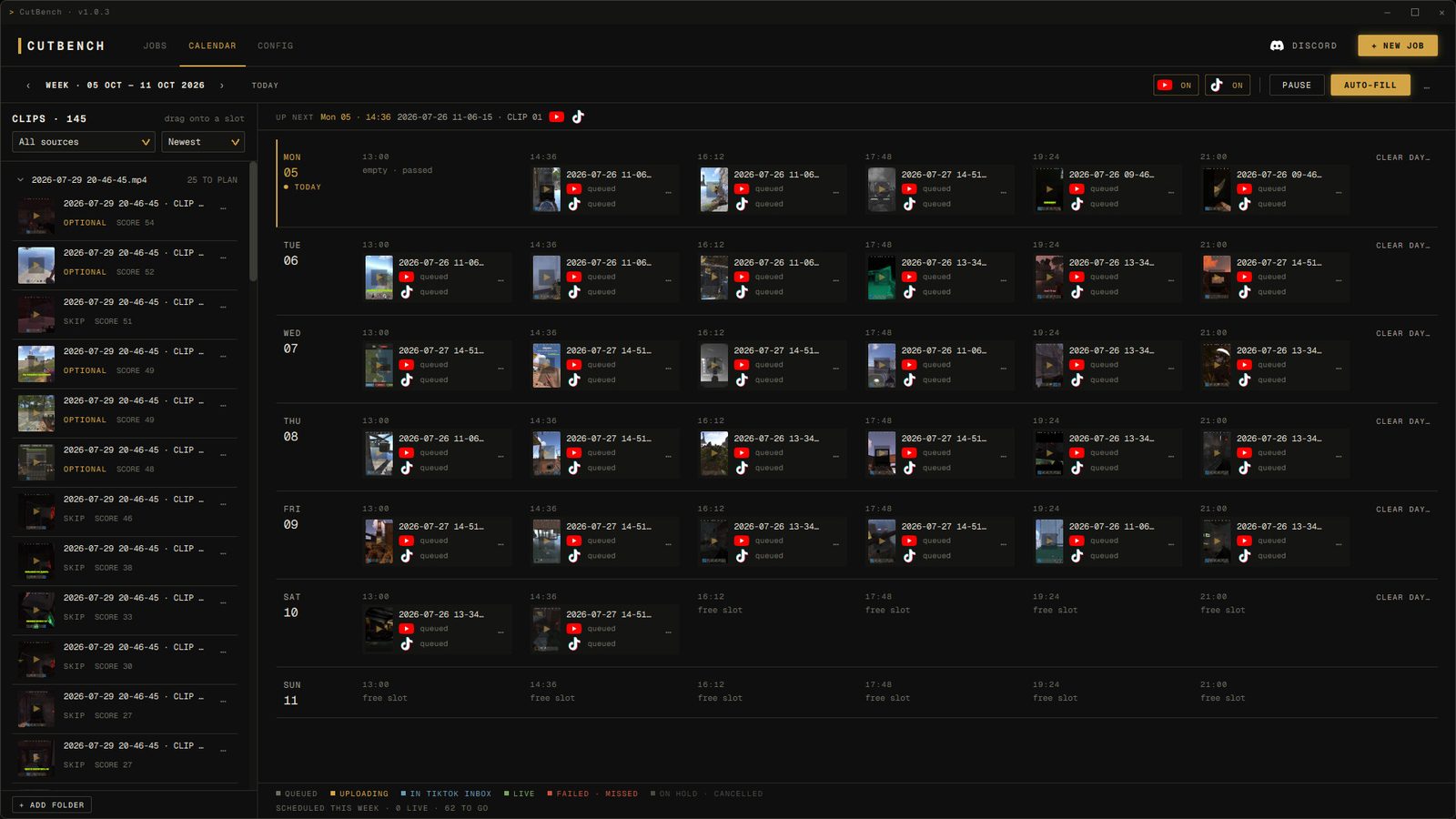
| Publishing | Optional one-click upload through the official APIs: straight to your TikTok drafts, and a scheduled publish on YouTube Shorts |
| Steam reviews | 4 user reviews, 3 positive and 1 negative, as of 20 October 2026. Steam shows no review score yet |
| Refunds | Through Steam, under the standard Steam policy |
| Contact | mail@cutbench.com |
Screenshots
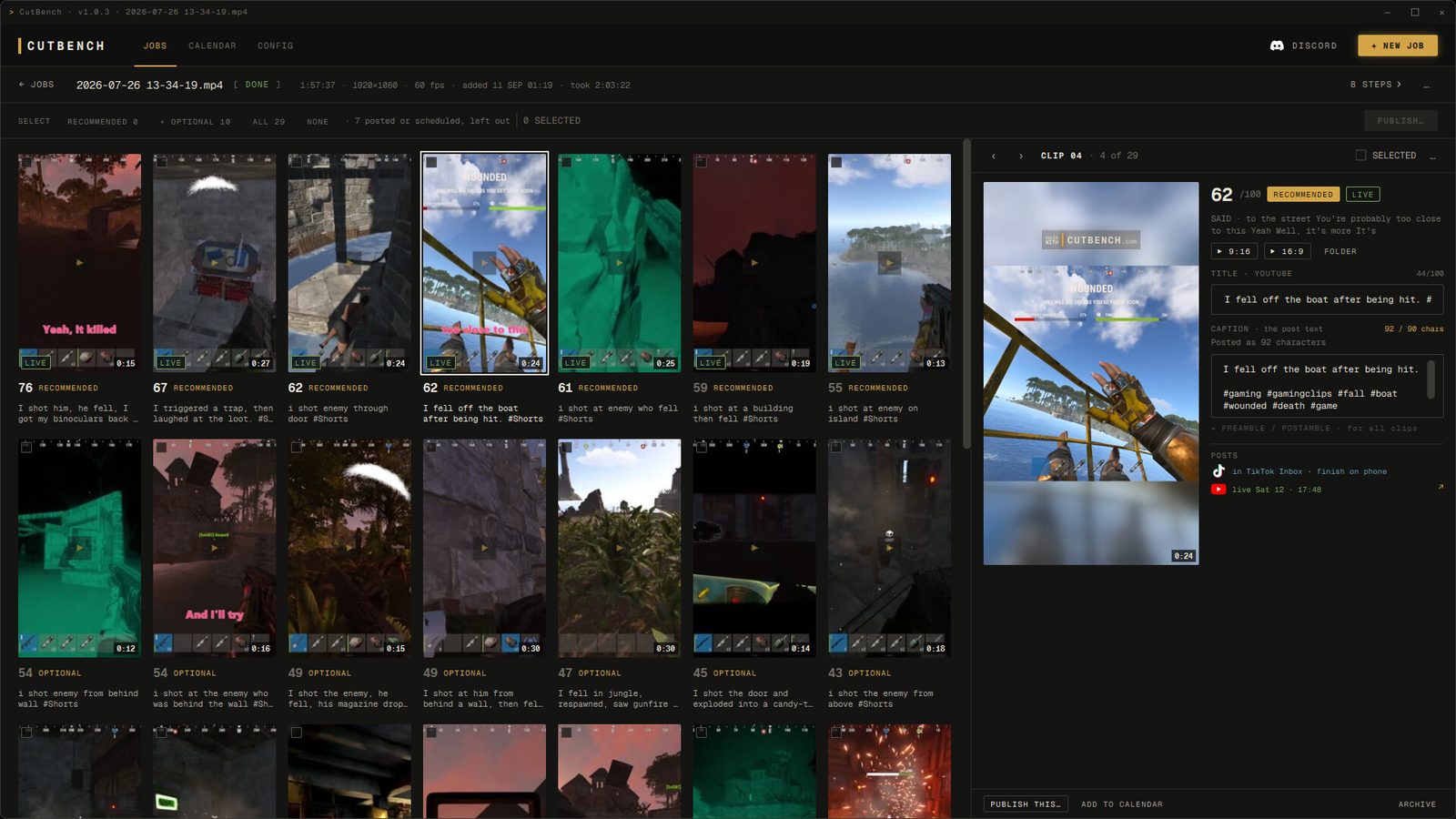
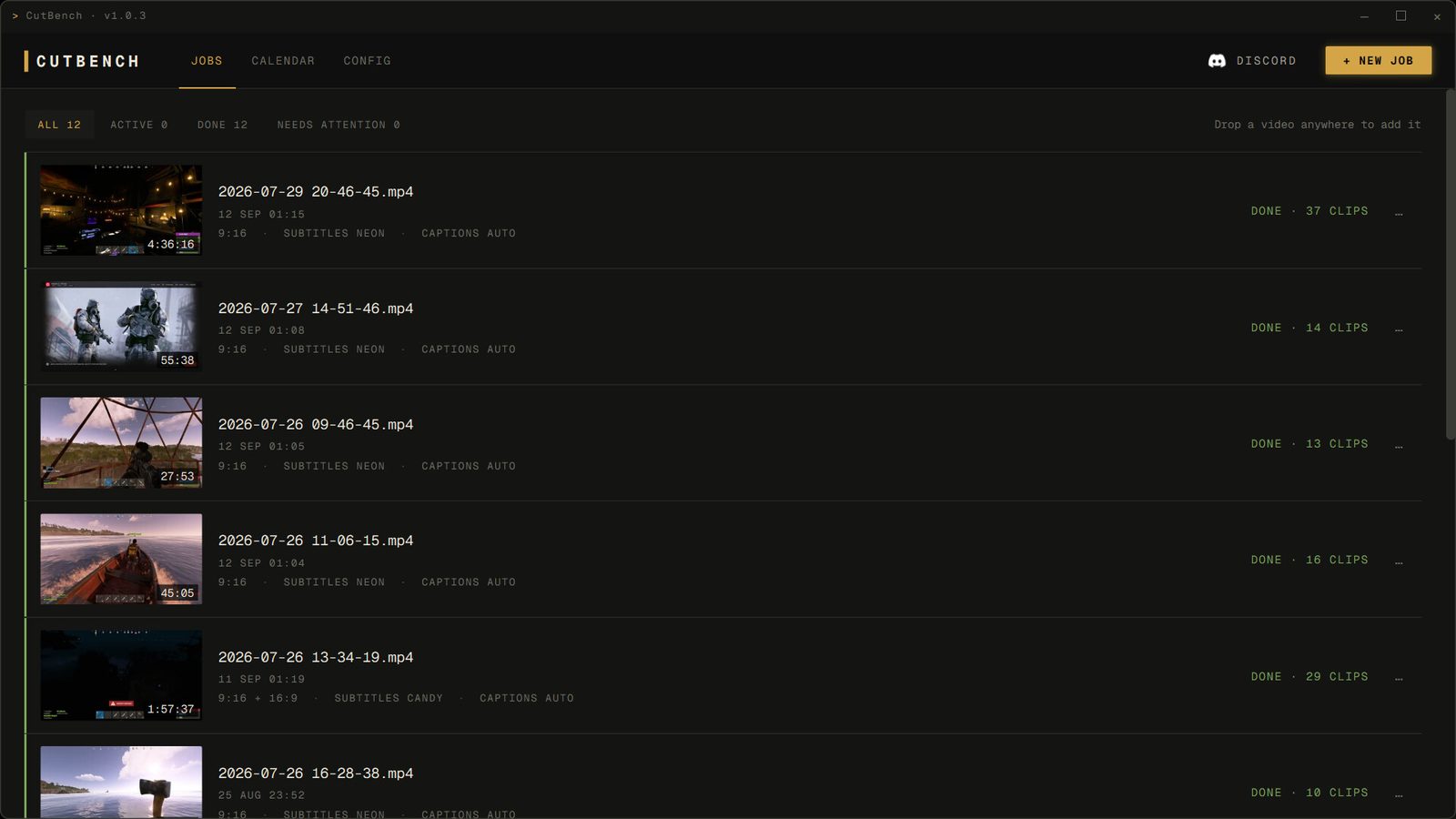
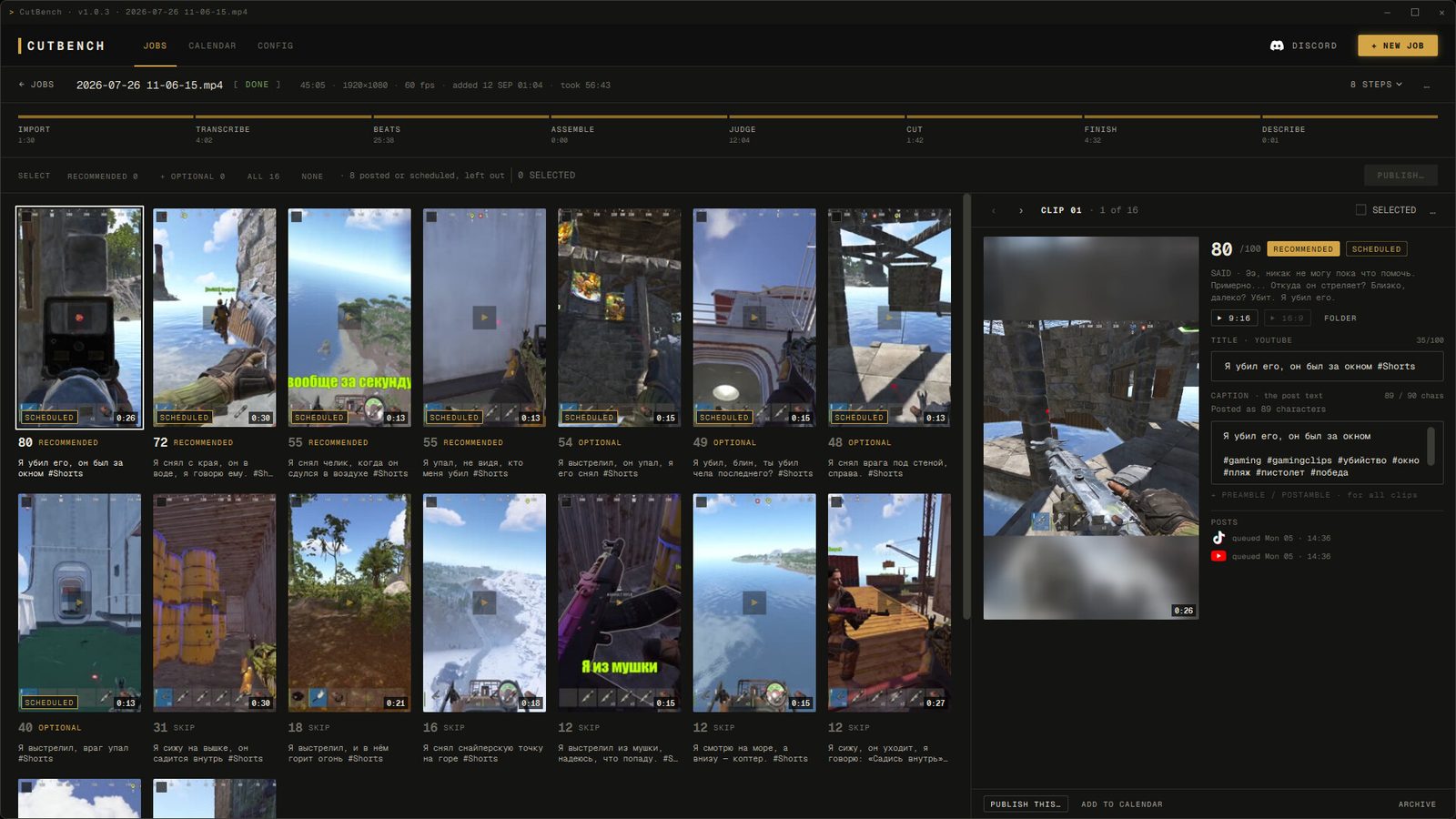
These are the six screenshots from the Steam store page, taken in CutBench 1.0.3 for Windows. Select one to open it at full size.
How it works
- You drop in a recording. A Twitch VOD, an OBS capture, a ShadowPlay file. CutBench does not record for you and does not run while you play.
- It goes through the footage. It ranks the moments worth posting by what holds across games rather than anything one title does. It never asks what you were playing, and there is no supported-games list to be missing from.
- It cuts and renders. The moments that score highest become 9:16 clips with captions burned in, plus suggested titles and tags.
- You decide what to post. Clips land in a folder, ranked, each with the reason it was picked. Publishing is one click if you want it, and entirely optional.
What it deliberately does not do
It is not a timeline editor: you approve clips, you do not arrange them. It is not a recorder, so you keep using OBS, ShadowPlay or Medal for capture. It is not real-time, so you get clips after the session rather than during it. On AMD or Intel Arc graphics it runs on the processor, tens of times slower, and it does not run on macOS or Linux. If any of those are dealbreakers, you know before you spend anything.
Is CutBench worth it?
It is for you if you record long sessions or streams and never get round to scrubbing them, you play on Windows with an NVIDIA card that has 6 GB of VRAM or more, and you are fine starting a batch when you stop playing and reviewing ranked clips later. It suits people who want their footage to stay on their own PC and would rather pay once than every month.
It is not for you if you want clips saved while you play (the NVIDIA app or Xbox Game Bar does that), you want a timeline editor with control over every cut, your graphics are AMD, Intel Arc or integrated and you need results quickly, or you use a Mac or Linux.
What buyers say. As of 20 October 2026 the Steam page shows 4 user reviews, 3 positive and 1 negative. The positive ones say it helps people who lack the time to edit very long stream recordings, that it handled story-driven games and favoured action over dialogue, and, in one short line, that it is still rough but promising. One of them adds that it needs a good CUDA graphics card and that it missed captions on some of the speech. The negative review was written after a large batch on a machine with AMD integrated graphics, and says a machine with an RTX 5080 did no better: the clips often made no sense, slow-motion and speed-ups looked random, descriptions repeated, there were few fonts, and a separately recorded voice track could not be added. Its author would rather cut by hand for now. Read them in full before you buy.
Who makes it
CutBench is built by an independent developer rather than a funded team, which is the reason it is sold once instead of rented monthly: there is no cloud bill to pass on per user. Support and everything else goes through mail@cutbench.com.
Where to find us
- Steam: the full version and the system requirements
- Clips we cut with it: YouTube and TikTok
- Questions: Discord or mail@cutbench.com
- Comparisons: against Opus Clip, against Eklipse, and why it is bought once
Last checked 10 November 2026. Requirements match the Steam store listing.